If you aren’t taking advantage of these tips and features yet, you’ll be surprised how much more enjoyable Prime Video can be.
1. Adjust Quality to Use Less Data
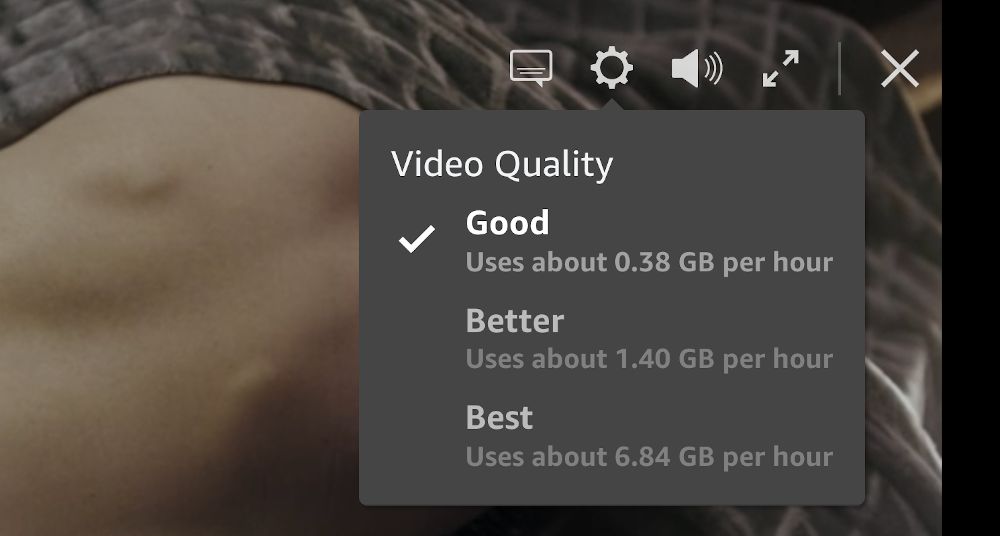
Consider switching to the “Good” video quality setting and using 94% less data per hour . Unless you’re watching on a massive 75+ inch screen or projection, you probably won’t be able to notice the difference in quality—and even if you do, Good quality is certainly good enough.
Especially useful when you’re streaming on mobile data, or when you have monthly data caps with your ISP, or your video keeps stuttering because your home Wi-Fi network is overloaded with too many devices hogging internet bandwidth.
2. Download Videos to Watch Offline
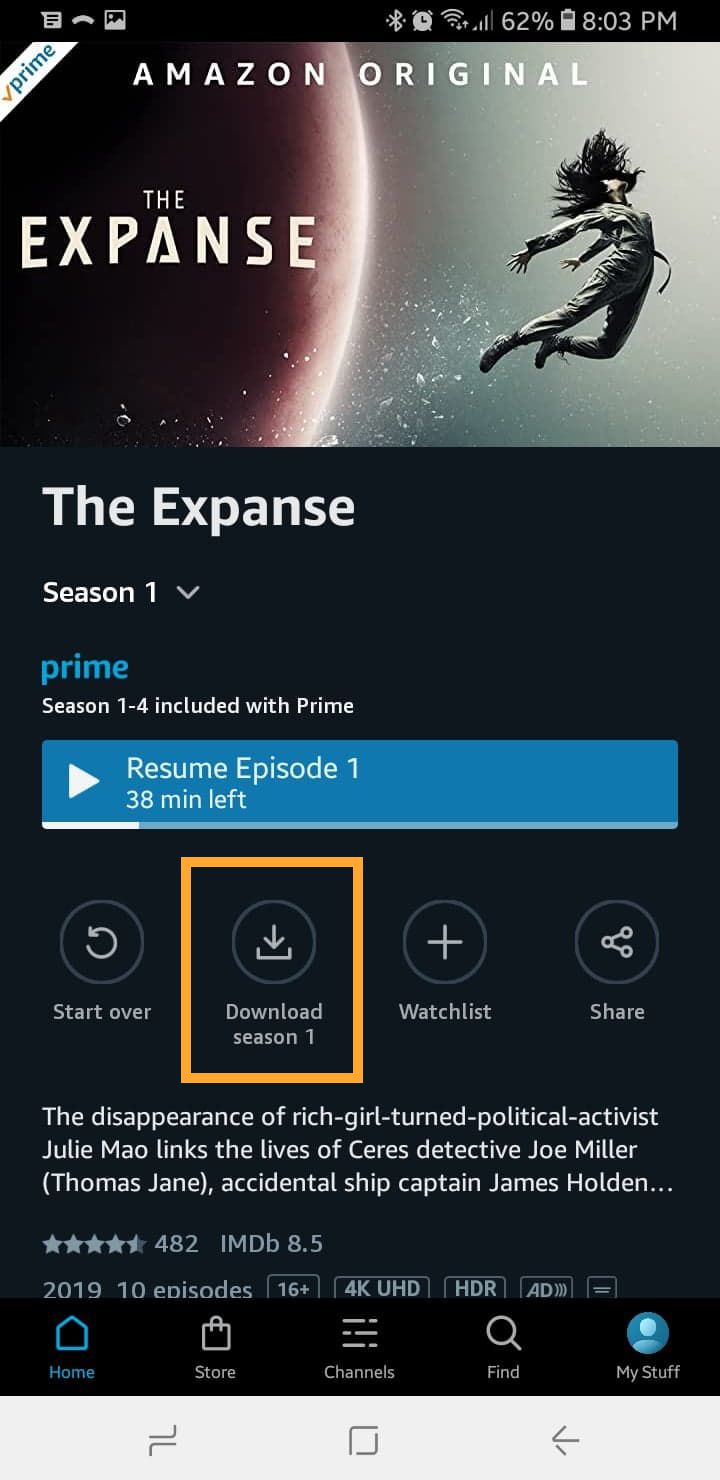
This tip only applies to the Prime Video app on Android, iPhone, and Windows 10.
You can download movies, entire seasons of TV series, or individual episodes. You can also select the video quality for downloads—there’s a huge difference in file size, so when in doubt opt for lesser quality!
3. Watch Region-Blocked Content
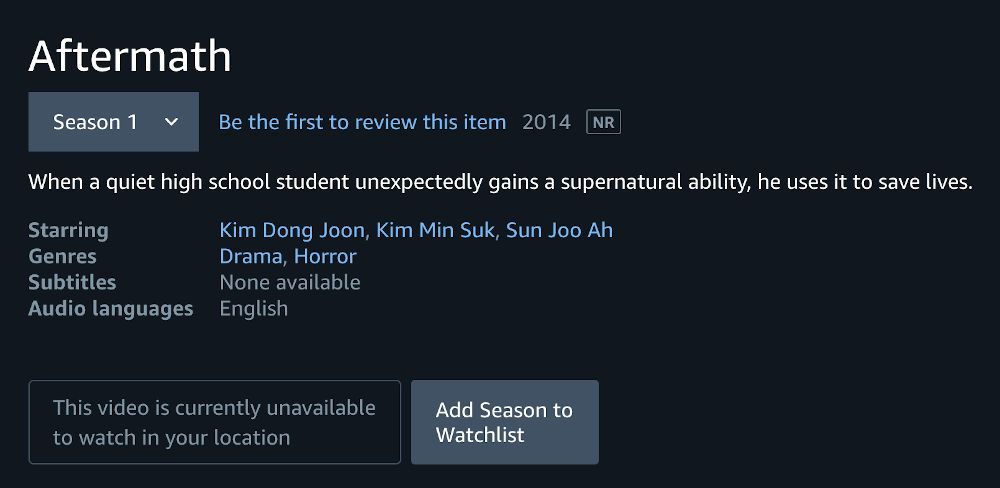
If you really want to watch one of these region-blocked movies or TV series, you can access them by using a VPN.
A VPN is basically an app that creates an encrypted connection between you and the VPN service provider.
With a VPN, you can access content from around the world—all you have to do is connect to different VPN servers.
The Best VPN
ExpressVPN is the only VPN we recommend. It’s fast, it’s private, and it has servers in 90+ countries worldwide.
It also works with most other streaming services, allowing you to access region-blocked content on Netflix, YouTube, Spotify, and many more.
4. Add Channels for More Content
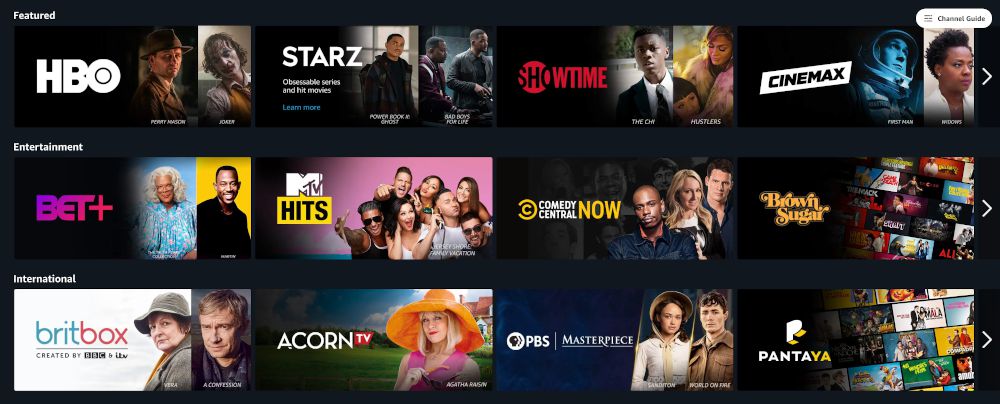
- ($15/mo) HBO
- ($10/mo) Cinemax
- ($9/mo) STARZ
- ($9/mo) Showtime
- ($9/mo) Broadway HD
- ($7/mo) BritBox
- ($6/mo) CBS All Access
- ($5/mo) PBS Kids
- ($4/mo) Comedy Central Stand-Up Plus
5. Keep Separate Profiles per Watcher
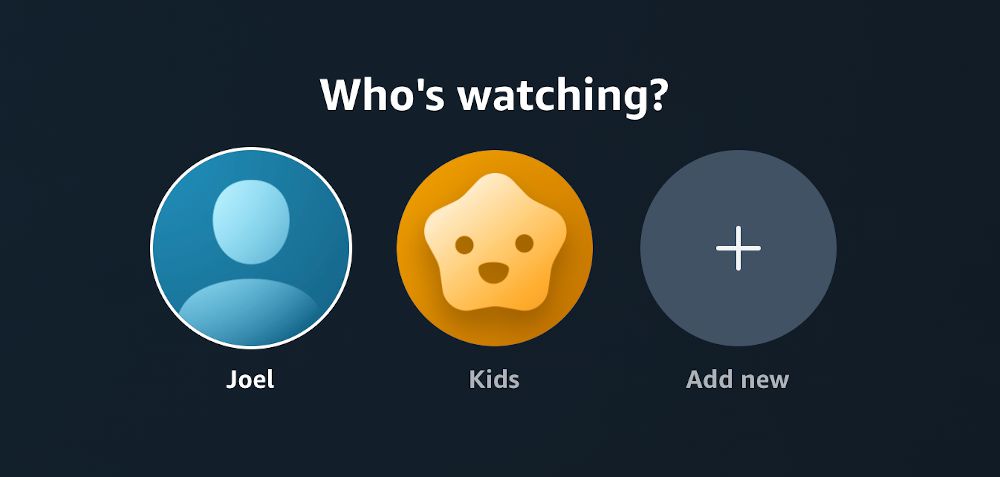
Not only does each profile have its own Watchlist, but the viewing habits of each profile determine what kinds of movies and TV series get recommended.
Furthermore, if you set a profile as a Kids profile, they’ll only be able to browse movies and TV series that are marked appropriate for ages 12 and younger.
4. Set Parental Controls for Kids
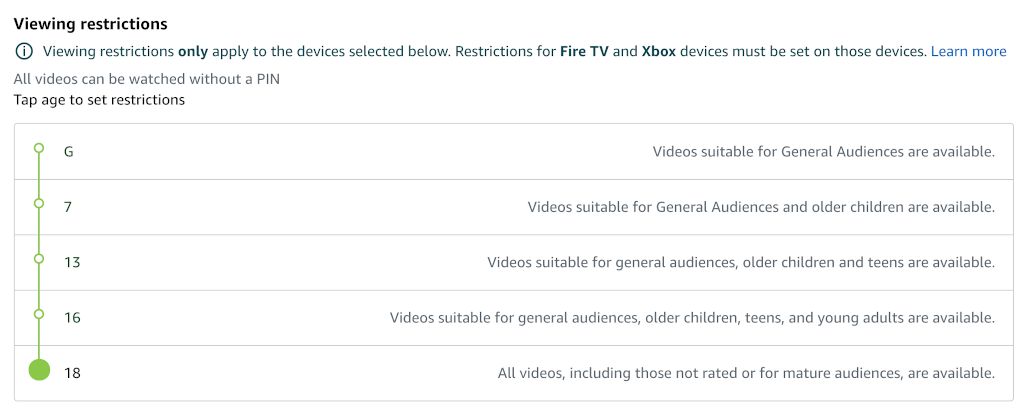
It works like this:
And if you ever want to watch something on a restricted device, you just enter your PIN to bypass it.
7. Watch in Sync With Others
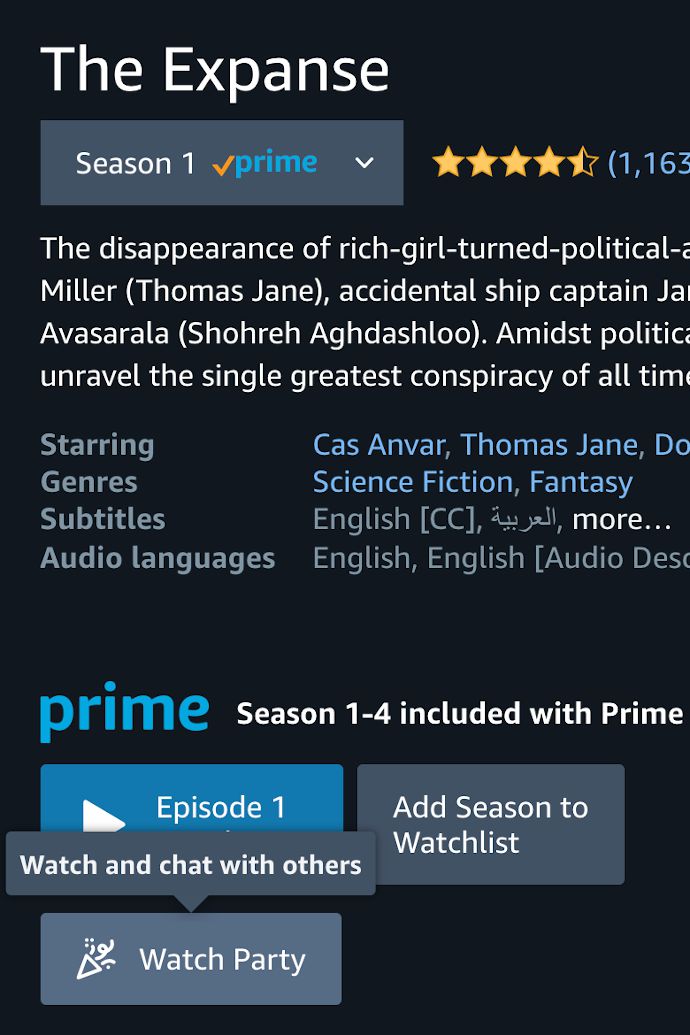
For any movie or TV series that’s included with Prime, you can launch a Watch Party .
Each Watch Party supports up to 100 participants, so you can throw a HUGE event with tons of people and watch together in sync, no matter how far away you are. Perfect for these pandemic times when we’re all social distancing and stuck at home.
8. “X-Ray” Vision
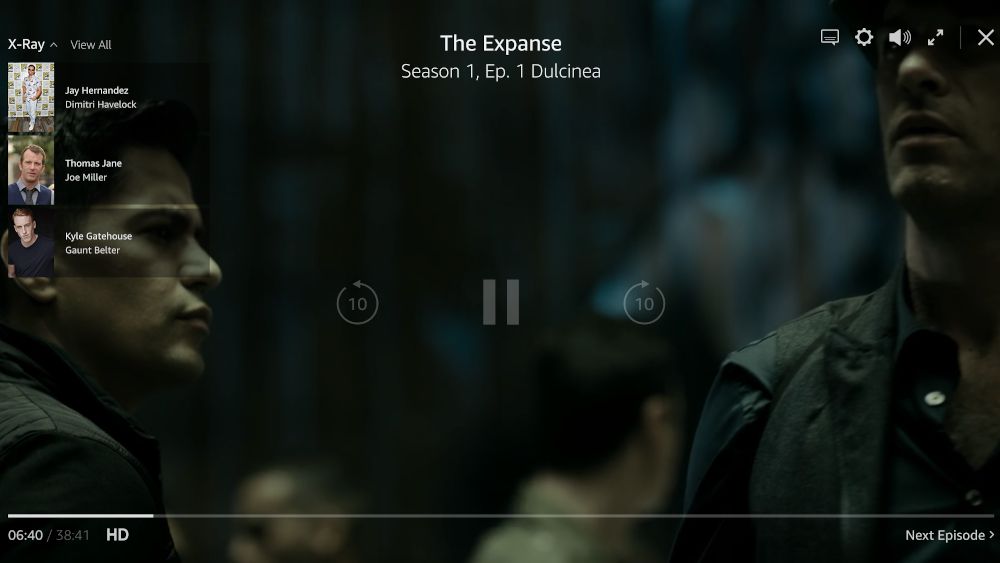
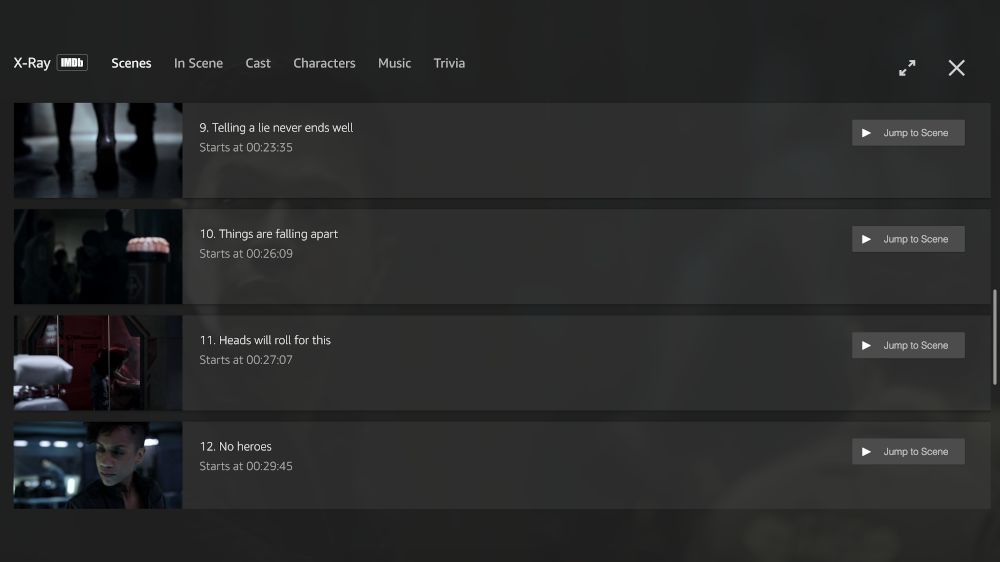
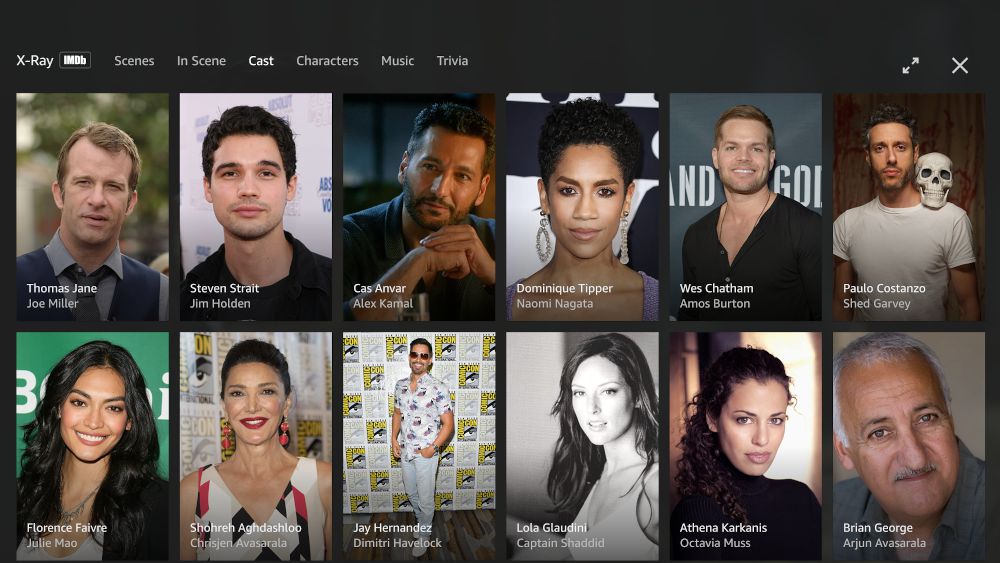
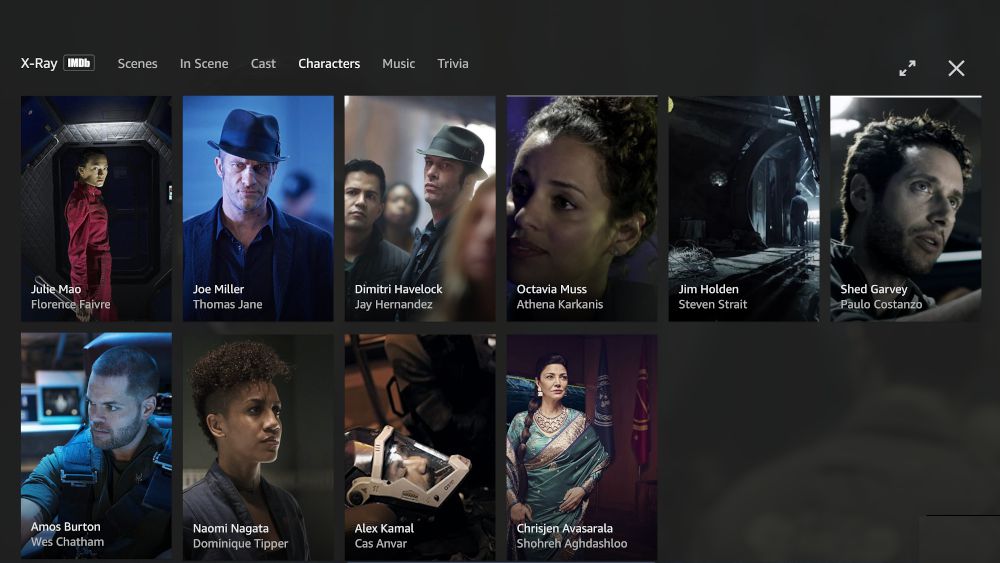
X-Ray also provides a full list of scenes that you can jump between, as well as a full list of all the cast and characters, providing extra context for both real-world actors and in-world characters.
9. Customize Your Subtitles
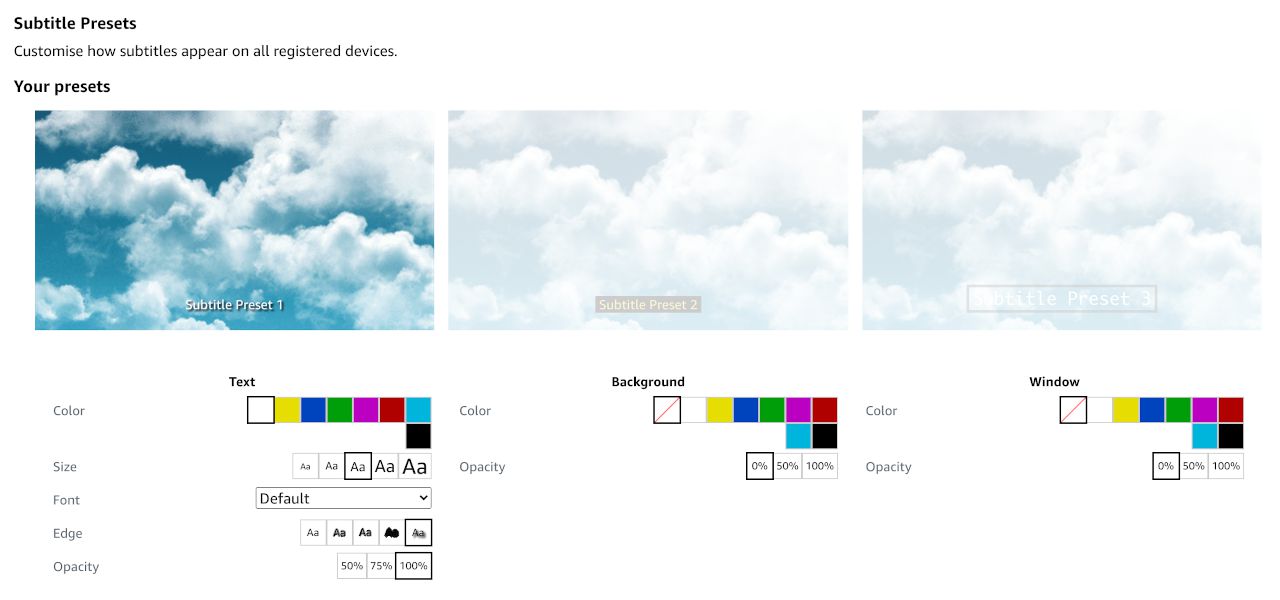
You can adjust the size and color of the subtitle text, pick between several font styles, add an outline or shadow, and choose between 50%, 75%, or 100% opacity.
You can also play around with the color and opacity of the text’s background and window (i.e. border).
10. Disable Autoplay Next Video
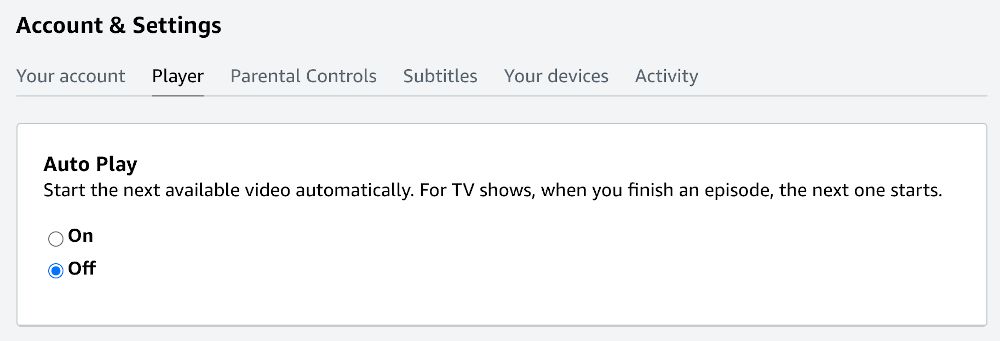
This one’s minor, but still worth mentioning: